
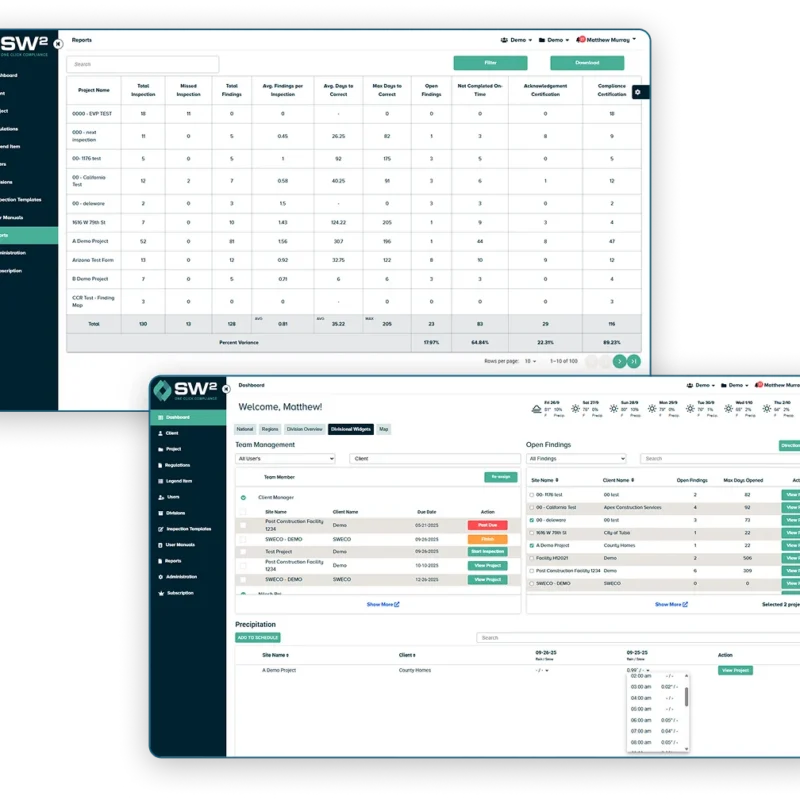
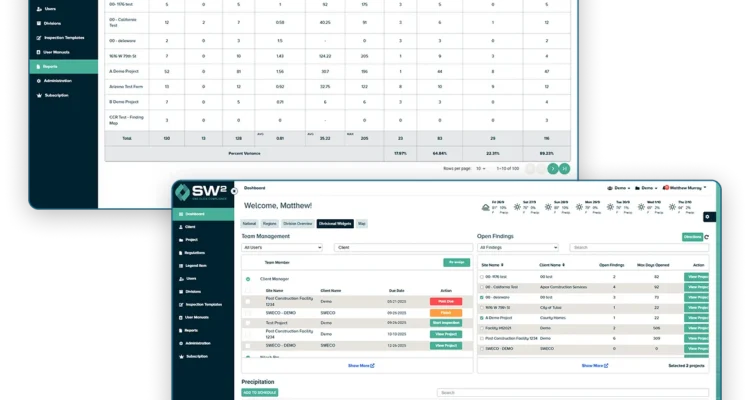
Manage Stormwater Compliance Without the Usual Paperwork Bottlenecks
Stormwater compliance has a way of getting tangled up in the small stuff. Not the big obvious issues, the little ones. A note saved in the wrong place, an inspection that falls through the cracks, a map someone forgot to update. That is often where the real slowdown starts, especially when several sites are moving at once.
Here are some of the friction points that tend to slow teams down:
-
Scattered records.
Inspection forms, SWPPP documents, photos, notes, and reports often end up spread across folders, inboxes, trucks, and desktops. That makes it harder to find what you need when someone asks for it.
-
Missed inspections.
Deadlines can be missed when tracking relies on disconnected systems or human reminders. When teams are managing several sites or regular inspection schedules, that risk increases.
-
Outdated SWPPP documents.
Field conditions change. BMPs move, access shifts, grading progresses. If the SWPPP does not keep up, the paperwork stops matching the jobsite.
-
Map confusion.
Large site maps are helpful until people are working from different versions or marking things up in different places. Then a simple location question turns into a guessing game.
-
Slow reporting.
Reporting can eat up more time than the inspection itself when teams have to re-enter notes, sort through photos, and piece together records after the fact.
-
Poor visibility across projects.
Managers need to know what is done, what is pending, and what needs follow-up. Without one place to see that, oversight gets harder than it should be.
What Stormwater Software Management Should Actually Help You Do
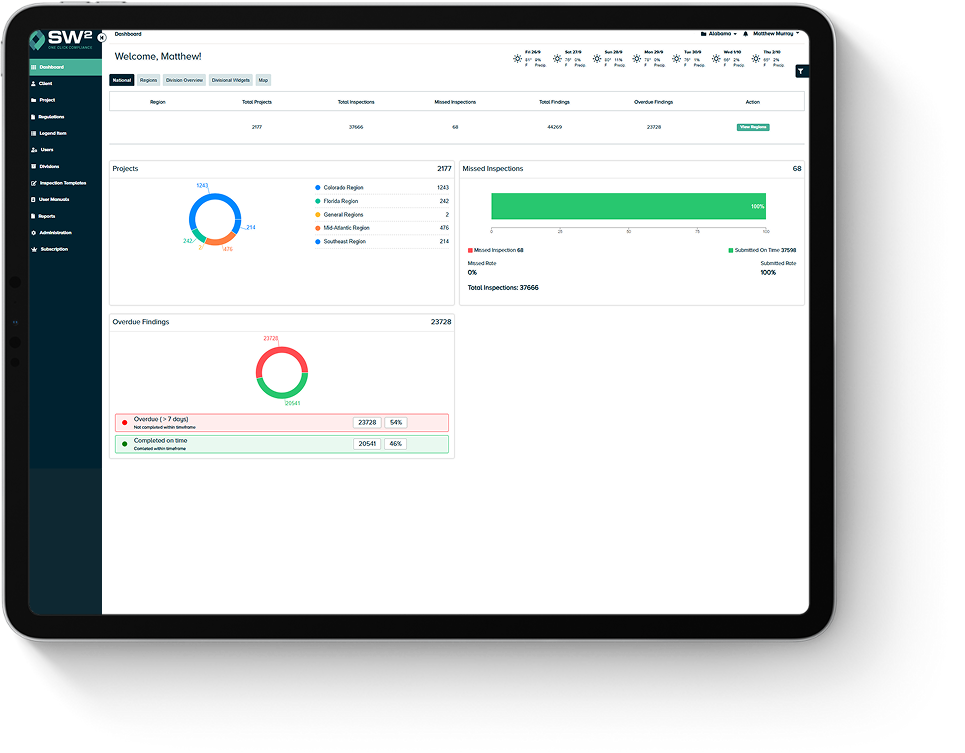
At a basic level, stormwater software management should make compliance work easier to run day to day, not just easier to describe in a sales pitch. The best systems help people move from inspection to follow-up to reporting without doubling the work.
That means keeping inspections moving from the field to the office, maintaining accurate SWPPP records as conditions change, centralizing compliance documents and site maps, tracking updates with a clear audit trail, and generating reports faster with fewer manual steps. If the software cannot support that flow, it is probably adding friction instead of removing it.
Book a DemoCore Stormwater Software Management Features
Good stormwater software should help teams stay organized without making the workflow feel heavier. These are the core features that matter most when real projects are moving and site conditions keep changing.
Why Teams Choose SW² Over Generic Compliance Tools
A lot of software looks good in a feature list and feels clunky once real teams start using it. That gap shows up fast in stormwater compliance, where field conditions shift, deadlines stack up, and nobody has time for a tool that takes three extra steps to do one simple task.
That is where SW² stands out. It is built around the way compliance work moves in the real world, not just the way software screens look in a product demo.
- Designed for field and office workflows. The platform supports the handoff between jobsite activity and office reporting, which is where many disconnected systems start to break down.
- Better fit for changing site conditions. Construction sites and municipal programs rarely stay static. SW² is built to handle updates, record changes, and ongoing documentation without making every revision feel like a reset.
- Cleaner recordkeeping from the start. When inspections, notes, maps, and reports connect in one place, the documentation process gets a lot easier to manage later.
- More practical for multi-site oversight. Teams managing several projects need visibility, not clutter. SW² helps managers keep track of what is complete, what is pending, and what needs attention.
- Built with compliance experience behind it. The platform reflects real environmental compliance priorities, which gives it a more grounded fit than generic tools that were not shaped around stormwater workflows.
Built for Construction and Municipal Stormwater Programs
This is where stormwater software has to prove itself. Construction and municipal teams work in changing conditions, tight timelines, and a lot of moving parts, so the system needs to keep up without adding more friction.
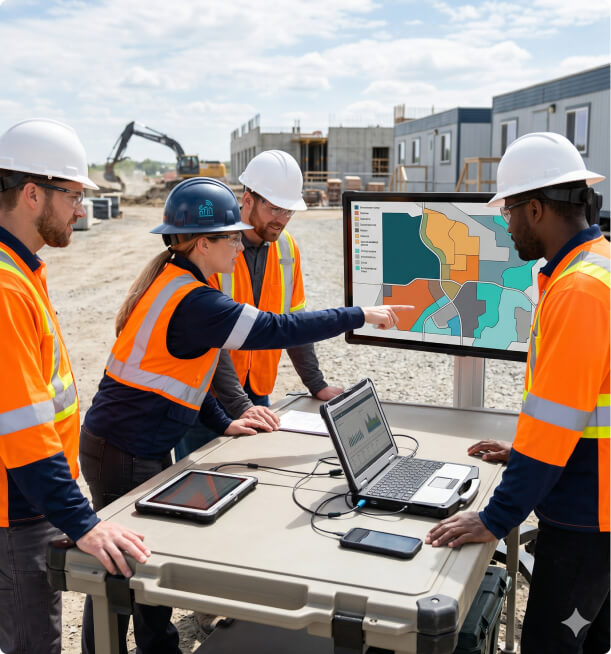
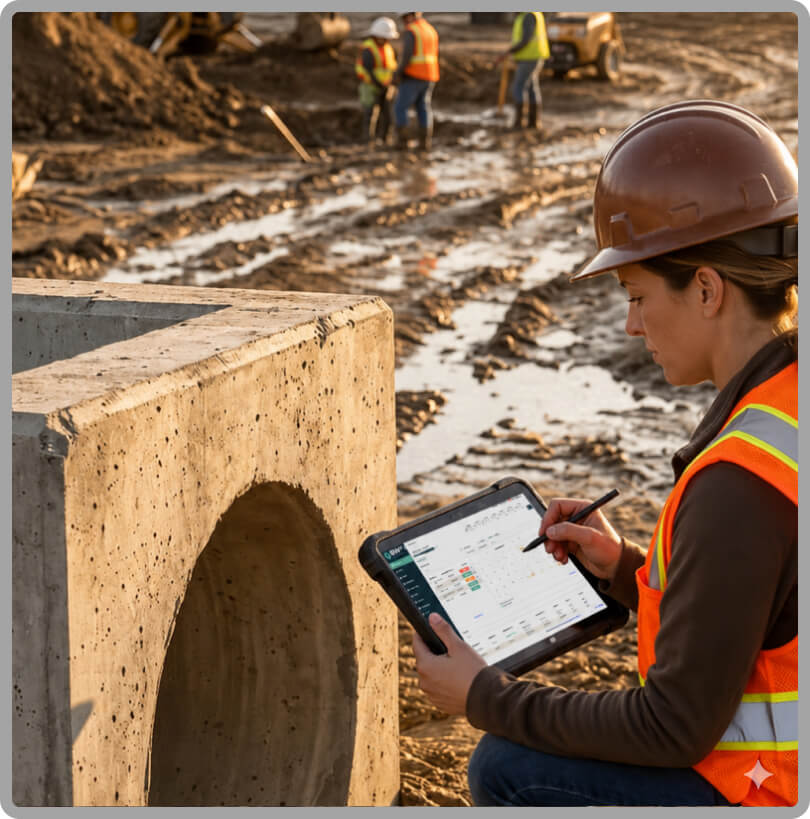
On active jobsites, site conditions shift fast. SW² helps construction teams keep inspections, records, maps, and reporting organized across projects, so compliance work stays tied to what is happening in the field.
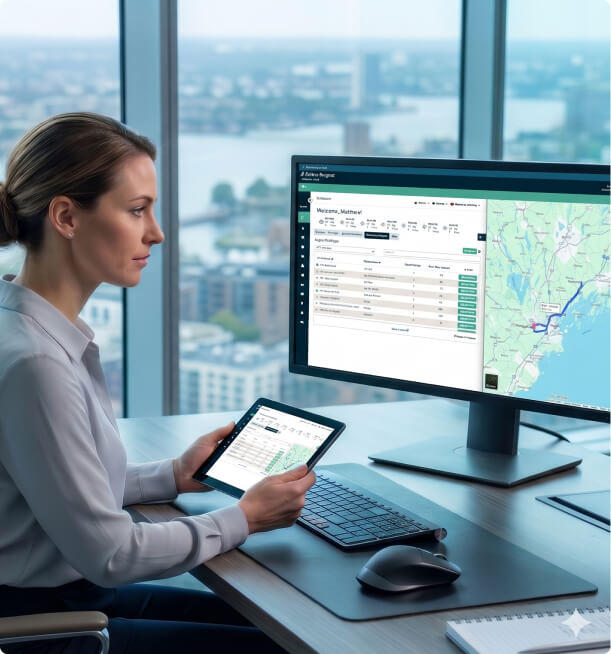
Municipal and MS4 programs need a clear way to manage recurring inspections, reporting deadlines, and records across a broader area. SW² helps bring that work into one system, which makes oversight easier and records easier to follow.
SW² also supports industrial facilities, post-construction programs, and consulting teams that need a cleaner way to manage stormwater compliance workflows.

How SW² Fits Into Your Compliance Workflow
The value of stormwater software shows up in the day-to-day flow. It should make the process cleaner from the first setup through the final report, without asking teams to rebuild how they work from scratch.
- Set up the site or program.
Start by creating the site, project, or program structure so records have a clear home from day one. - Upload or organize SWPPP and related records.
Bring plans, supporting files, maps, and compliance documents into one place so teams are not chasing files later. - Handle inspections in the field.
Capture findings, notes, and updates while the work is in front of you, not hours later when details start to blur. - Keep track of follow-up items as work moves.
That includes what changed, what still needs attention, and what has already been handled. - Finish with reporting and a cleaner audit trail.
When the records stay connected throughout the process, reports are easier to pull together and the documentation holds up better under review.
Reduce Manual Work and Improve Compliance Readiness
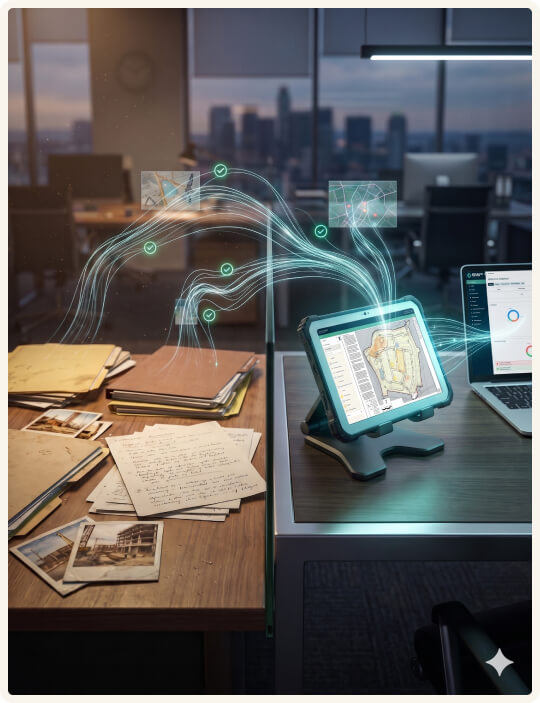
A lot of compliance slowdowns come from repeated small tasks. Re-entering notes, sorting photos, checking file versions, and pulling together reports may not seem huge on their own, but they add up across active sites and recurring deadlines.
SW² helps reduce that drag by keeping inspections, documents, maps, and reporting connected. That means less admin burden, fewer missed steps, and faster reporting when teams need to show what has been done and what still needs attention.
It also makes audit preparation less painful. When records are better organized from the start, there is less scrambling later to explain site conditions, locate supporting documents, or reconstruct a timeline from scattered files.
Book a DemoWhat to Look for in Stormwater Software Management Platforms
Not every platform is built for the same level of field use, reporting pressure, or compliance oversight. A software comparison starts to make more sense when you look beyond feature names and focus on how the work holds together in practice.
- Ease of use in the field. If field teams avoid the system or wait until later to enter information, the workflow starts breaking down right away.
- SWPPP document control. The platform should make it easier to keep SWPPP records current as projects change, not harder.
- Inspection-to-report flow. Good software reduces duplicate entry and makes reporting less of a second job after the inspection is done.
- Map access and update clarity. Site maps should be easy to access, review, and update without creating version confusion.
- Audit trail strength. Teams need a record that shows what happened, what changed, and when it changed.
- Multi-site visibility. Managers need a quick way to see project status across locations without jumping through disconnected systems.
- Support and onboarding. Even solid software falls flat when setup feels too heavy or users cannot get answers when they need them.

SW² Leadership and Industry Experience
Josh Downey leads SW², and his background lines up closely with the kind of compliance work this software is built to support. He has over 30 years of experience in environmental services with an emphasis on SWPPP, with work tied to compliance, drainage, water resource management, site development, and land use, so the platform comes from a place that feels connected to real field and project demands.
That background is supported by formal training too. Josh holds a master’s degree in Real Estate Development and Construction Management from the University of Denver Daniels College of Business, along with undergraduate degrees in Environmental Science and Philosophy, plus a minor in Political Science.
Put together, it is a mix that speaks to both compliance requirements and how projects move in the real world.
Book a DemoCompare SW² With Other Stormwater Software
Software buyers do not just want a list of features. They want to know how one platform stacks up when teams are managing inspections. SWPPP updates, site maps, and reporting under real deadlines.
SW² vs. Competitors
See how SW² compares to other stormwater compliance solutions.
Perform Inspection

Multiple inspection forms per project — assign a SWPPP form to one inspector and a dewatering form to another, on separate schedules, all within the same project (SW² exclusive)
Site Map with Inspection Form (Locating Findings)
Optional Photos with Findings
Photo Documentation with Annotation (SW² exclusive)
Automatic Photo Dissolve of Completed Items (SW² exclusive)
Work Offline Mode
Geolocate Finding / Photo Location
Scheduling Assistant
Project Route Planner (SW² exclusive)
Safety Module
Permit Tracking
Kudos / Findings Recognition (SW² exclusive)
Intuitive Team Management Tool and Project Tracker (SW² exclusive)
Current Weather Display
Automated Post-Storm Alerts
Automated Precipitation Notification
NOAA Weather Trigger Notification (SW² exclusive)
Automatic NOAA Table Download
Automatic Rain Log
NOAA Forecasts
Digital Map Update / Interactive
Fully Customized Legend Items (BMPs & Pollutant Sources)
Automatically Tie BMPs from Maps to Active SWP BMPs (SW² exclusive)
Satellite View of Projects
BMP Inventory and Installation Tracking
Custom Inspection Forms
Inspection Form Builder (Build Your Own)
Editable SWPPP (SW² exclusive)
SWPPP Automatically Tied to Regulation Group (SW² exclusive)
Document Storage
Unlimited Document Storage
No-Login Sign-Off
Shareable View-Only (QR) Link
Dashboards per User
Inspection and Maintenance Calendar
Site / Company Director Reporting
Automatic CA Log
Email Completed Reports / Logs
Custom KPI Reporting (Exportable)
Multi-Site Dashboard View
Reporting & Analytics Module
Role based National, Regional and Divisional Dashboards with KPIs (SW² exclusive)
Unlimited Users
Branded App / White Label
Organize by Company Division and Sites
Client Can Add Sites, Users, Inspections on Own
Onboarding and Setup
Phone and Email Support
Mobile App (iOS & Android)
Role-Based User Permissions
Automated Compliance Deadline Reminders
Daily Data Backup and Storage
Auto Purge
SSL Security — True 128-Bit Encryption
Audit Trail / Change Log
API / Third-Party Integrations
Corrective Action Workflow Tracking
Automated Email Notifications & Distribution
Disclaimer: Feature comparison is based on publicly available information and is accurate to the best of our knowledge as of April 2026. Competitor features and offerings may change without notice. Please contact us at sw2.net if you believe any information requires correction.
Request a Demo or Start Your Free Trial
The easiest way to tell if SW² fits your team is to see how it handles the work you already deal with: inspections, SWPPP records, site maps, and reporting.
Request a demo if you want a guided walkthrough, or start a free trial if you would rather click through the platform and get a feel for it firsthand.
Book a DemoFrequently Asked Questions
-
What is stormwater software management?
Stormwater software management is a digital way to organize inspections, SWPPP documents, site maps, reporting, and compliance records in one system. It helps teams manage stormwater workflows with less paper, fewer disconnected files, and clearer visibility across projects.
-
How does SW² help with SWPPP management?
SW² helps teams keep SWPPP documents, updates, notes, and related records organized as site conditions change. That makes it easier to keep documentation aligned with the work happening in the field instead of trying to patch records together later.
-
Can SW² support stormwater inspections in the field?
SW² is built to support field inspections and connect them back to project records and reporting. That helps teams capture findings closer to the moment, which can improve documentation quality and reduce extra follow-up work.
-
Is SW² a fit for municipal or MS4 programs?
SW² can support municipal and MS4 workflows that involve recurring inspections, reporting deadlines, and organized recordkeeping across multiple locations or programs. It gives teams stronger visibility and a cleaner way to manage ongoing compliance activity.
-
Does SW² work for construction companies managing multiple sites?
Yes. Multi-site oversight is one of the places where connected records matter most. SW² helps construction teams keep inspections, documents, maps, and reporting organized across active projects without relying on scattered systems.
-
How long does onboarding take?
That can vary a bit. A smaller team with a few active projects will move through setup faster than an organization with a larger program, more sites, or a bigger stack of records to bring over. The idea is to get people into a workflow that feels clear and workable, without turning onboarding into a project of its own.
-
How much does SW² cost?
Pricing starts at $12 per month for the Essentials plan. Pro plans begin at $18 per month, and Enterprise plans start at $49 per month. All plans are month to month, so teams can adjust as their needs change. Both Essentials and Pro also include a free trial, which makes it easy to explore the platform before committing.