Key Takeaways:
- SW² Stormwater inspection software helps keep inspection data, optional photos, and documents connected to the right site and date.
- It gives teams a simpler way to manage SWPPP, MS4, and industrial stormwater work without relying on scattered files.
- Field staff can complete inspections faster, track corrective actions, and keep rain event documentation organized in one system.
- Strong reporting and document control make audits, regulator requests, and day to day compliance easier to manage. Leverage your data to make data informed decisions on your projects.
What Is Stormwater Inspection Software?
Stormwater inspection software is a digital system for conducting stormwater inspections, capturing field evidence, tracking corrective actions, and generating compliance ready reports for NPDES permits.. It replaces paper checklists and scattered files with one organized workflow, so inspection data, photos, and documents stay tied to the right site and date.
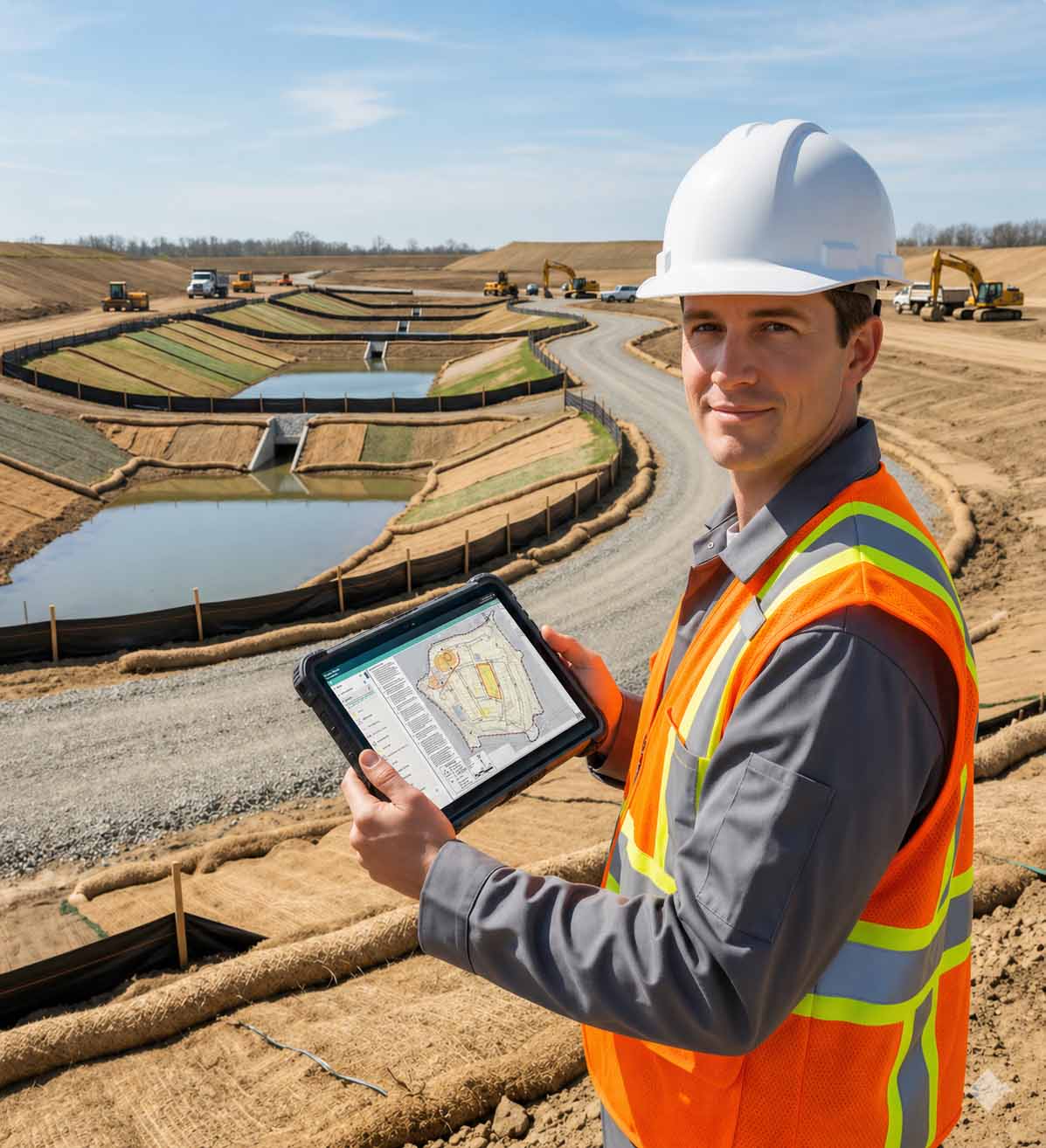
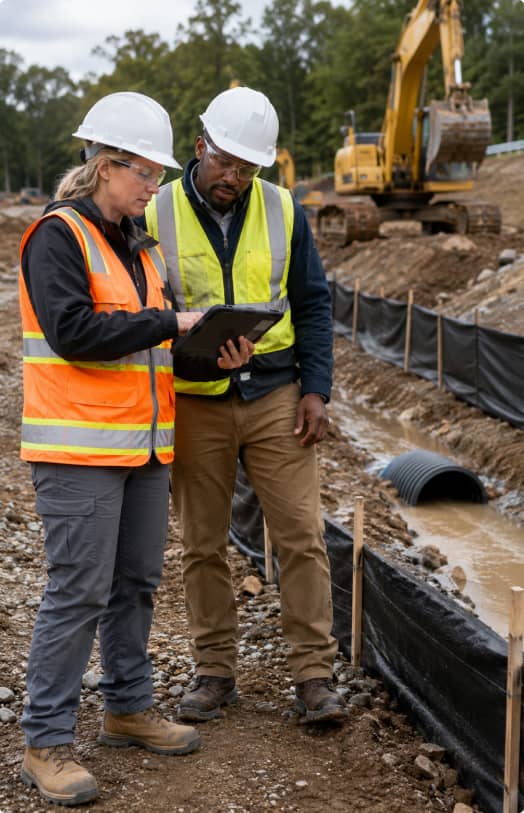
Most teams use SW² to cut the busywork. You complete inspections on a phone or tablet, attach photos as you go, then generate reports from the same record instead of re typing everything later.
SW² Features include:
- Mobile inspections with configurable inspection workflows
- Optional photo evidence linked to the inspection record and location
- Corrective action tracking with assignments and re-inspections
- Compliance reports with export and sharing options
- Customizable Document storage for SWPPP documentation, permits, and NOIs, etc.
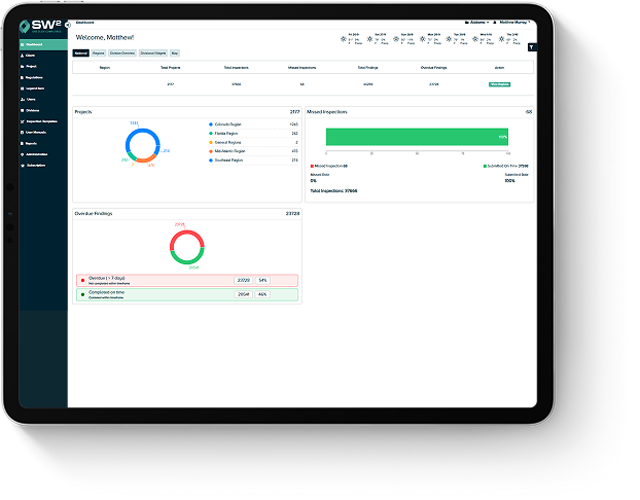
- Dashboards to track compliance levels across projects across your jurisdiction or the country
- Cloud based history for quick retrieval during audits
Who Uses Stormwater Inspection Software?
Stormwater inspection software is used by teams responsible for stormwater compliance under NPDES permits. That usually includes contractors running SWPPP inspections, municipalities managing MS4 programs, industrial facilities tracking permit requirements, and consultants juggling reporting across clients. The common thread is simple: they need consistent inspection data, controlled documents, and compliance reports that do not take all day to assemble. Let SW² improve your overall program while increasing your teams efficiencies.
-
Construction Projects and SWPPP Inspectors
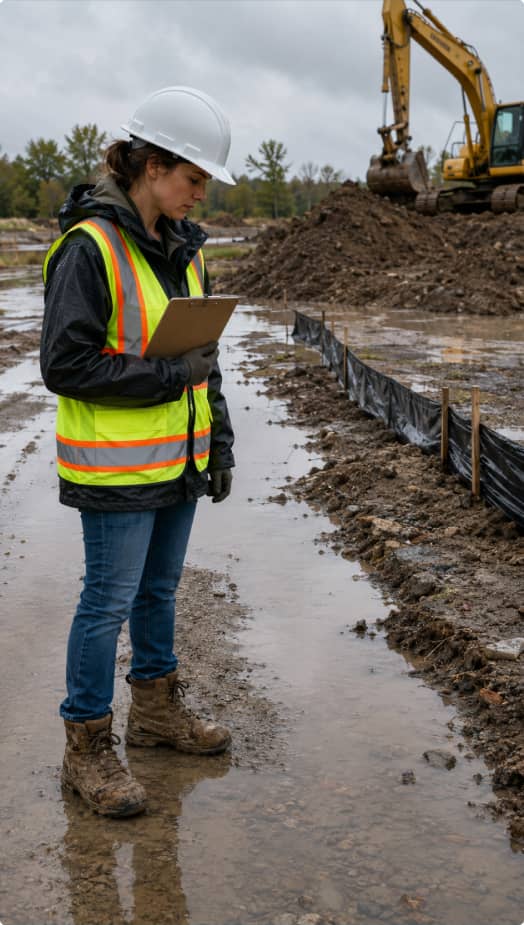
Construction sites change by the hour, so SWPPP inspectors need a fast way to document BMP condition, erosion and sediment controls, and rain event impacts without losing the thread. Software keeps inspections tied to the right site map and SWPPP documentation, then tracks corrective actions from “found it” to “fixed it,” with photos as proof.
-
Municipal MS4 Programs
Municipal MS4 teams manage a stormwater program across a whole community, not a single site, which means outfalls, inlets, basin assets, and IDDE work all have to stay organized under minimum control measures. A good system helps staff plan inspections, track completion, and pull up records quickly for annual reporting or an audit request.
-
Industrial Facilities
Industrial facilities often need tighter documentation, especially when inspections, monitoring, and corrective actions connect directly to regulatory requirements. Inspection software helps teams complete inspections on schedule, attach evidence, keep sampling records straight when applicable, and generate reports that hold up when a regulator asks questions.
-
Environmental Consultants
Consultants are usually managing multiple sites, multiple clients, and multiple report formats, sometimes all in the same week. Software helps them keep each project’s documents and inspection data separated and searchable, and it makes reporting and follow up tracking feel less like a spreadsheet circus. Consultants will love the Team Management widgets and their clients will love the SW² interface, it’s a win win.
What Types of Stormwater Inspections and Permits Are Supported?
Most stormwater inspection software supports NPDES based workflows, especially construction SWPPP permits, municipal MS4 permits, and industrial stormwater permits. The goal stays the same in each case: solid data collection, faster compliance reports, and a clear trail that holds up during an audit. Our system has been tested through thousands of state and federal audits. The reoccurring feedback is “we didn’t know it could be this simple”.
Construction SWPPP inspections focus on changing site conditions, BMP performance, and erosion and sediment controls. Because the site shifts as work progresses, inspectors need a simple way to document what they saw and track fixes.
Common tasks include:
- BMP condition checks and notes
- Rain event inspections and updates
- Photo evidence linked to the inspection record
- Corrective actions with follow up and closure proof
- 100% digital solution with editable SWPPP narratives, BMP details and site maps.
MS4 workflows usually follow minimum control measures and program requirements across a city or county, not a single checklist for one site. These platforms often support asset based inspections and program reporting.
Typical modules include:
- Outfall inspections and asset tracking
- Illicit discharge detection and investigation records
- Public education and outreach tracking
- Annual reporting documentation support
Industrial workflows vary by permit and facility, so it is smart to verify the details locally. In practice, many programs combine routine walkthrough inspections with documentation and, when required, monitoring or sampling records.
Common tasks include:
- Facility inspections of drainage areas and controls
- Sampling and monitoring documentation when applicable
- Benchmark tracking when required
- Corrective action documentation and closure history
Key Features of SW² Stormwater Inspection Software
Features are only “features” if they make your day easier. When you are managing stormwater compliance, the goal is simple: fewer loose ends, cleaner inspection data, and compliance reports you can generate without a late night copy paste marathon.
Does SW² Stormwater Inspection Software Work Offline?
SW² plans do have an offline mode to ensure nothing gets in your way. Offline mode is common, and it is a big deal if your sites have weak coverage. Inspectors are able to complete inspections, capture photos, and enter notes without service, then sync everything once they are back online.
Book a DemoWeather Based Inspections and GIS Mapping for Smarter Field Work
Weather and mapping sound optional at first, but they start paying for themselves once you are managing multiple sites and deadlines. When both are set up well, you can plan inspections around real conditions, tie inspection data to the right locations, and keep reports connected to the assets they reference.
-
Rain Event Tracking and Weather Alerts
Rain features are only helpful if they cut guesswork, not add another screen to check. A good setup pulls precipitation info, flags qualifying rain events, and ties that record to the inspection and the compliance report. When you are watching a demo, ask where the weather data comes from, NOAA, National Weather Service, or a local gauge, then see if you can adjust thresholds to match your permit rules.
-
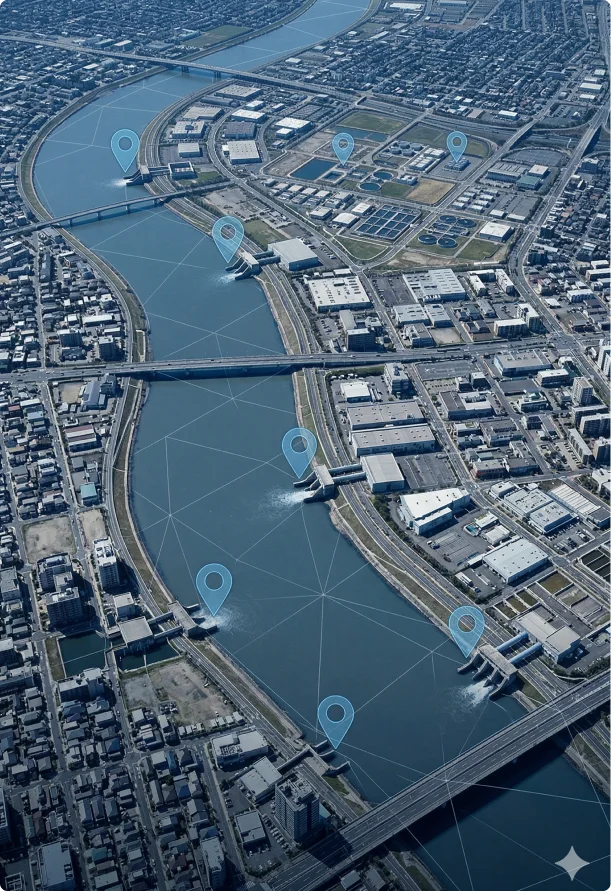
GIS Mapping and Asset Tracking
Maps earn their keep when your inspections follow assets like outfalls, inlets, basins, and BMPs instead of a generic site name. The basics should feel smooth in the field, mobile map view, GPS help, and a simple asset list you can search. No more bags of sharpies, you now have a 100% digital solutions. One more thing to check early is import and export, because most teams already have a CSV or GIS file and nobody wants to rebuild an inventory from scratch.
How Do SW²'s Features Stack Up Against the Competitors? See What We Have to Offer!
SW² vs. Competitors
See how SW² compares to other stormwater compliance solutions.
Perform Inspection
Multiple inspection forms per project — assign a SWPPP form to one inspector and a dewatering form to another, on separate schedules, all within the same project (SW² exclusive)
Site Map with Inspection Form (Locating Findings)
Optional Photos with Findings
Photo Documentation with Annotation (SW² exclusive)
Automatic Photo Dissolve of Completed Items (SW² exclusive)
Work Offline Mode
Geolocate Finding / Photo Location
Scheduling Assistant
Project Route Planner (SW² exclusive)
Safety Module
Permit Tracking
Kudos / Findings Recognition (SW² exclusive)
Intuitive Team Management Tool and Project Tracker (SW² exclusive)
Current Weather Display
Automated Post-Storm Alerts
Automated Precipitation Notification
NOAA Weather Trigger Notification (SW² exclusive)
Automatic NOAA Table Download
Automatic Rain Log
NOAA Forecasts
Digital Map Update / Interactive
Fully Customized Legend Items (BMPs & Pollutant Sources)
Automatically Tie BMPs from Maps to Active SWP BMPs (SW² exclusive)
Satellite View of Projects
BMP Inventory and Installation Tracking
Custom Inspection Forms
Inspection Form Builder (Build Your Own)
Editable SWPPP (SW² exclusive)
SWPPP Automatically Tied to Regulation Group (SW² exclusive)
Document Storage
Unlimited Document Storage
No-Login Sign-Off
Shareable View-Only (QR) Link
Dashboards per User
Inspection and Maintenance Calendar
Site / Company Director Reporting
Automatic CA Log
Email Completed Reports / Logs
Custom KPI Reporting (Exportable)
Multi-Site Dashboard View
Reporting & Analytics Module
Role based National, Regional and Divisional Dashboards with KPIs (SW² exclusive)
Unlimited Users
Branded App / White Label
Organize by Company Division and Sites
Client Can Add Sites, Users, Inspections on Own
Onboarding and Setup
Phone and Email Support
Mobile App (iOS & Android)
Role-Based User Permissions
Automated Compliance Deadline Reminders
Daily Data Backup and Storage
Auto Purge
SSL Security — True 128-Bit Encryption
Audit Trail / Change Log
API / Third-Party Integrations
Corrective Action Workflow Tracking
Automated Email Notifications & Distribution
Disclaimer: Feature comparison is based on publicly available information and is accurate to the best of our knowledge as of April 2026. Competitor features and offerings may change without notice. Please contact us at sw2.net if you believe any information requires correction.
How Much Does SW² Stormwater Inspection Software Cost?
SW² stormwater inspection software pricing is structured by the plan you select. SW² provides more features in one platform than the current most popular software.
Here is how pricing starts with SW².
| Plan | Starting Price | Best Fit |
|---|---|---|
| Essentials | $12/month | Small teams that need core inspection tools |
| Pro | $18/month | Teams that want more flexibility and customized add-on options |
| Enterprise | $49/month | Larger teams that need full access and advanced features. Contact sales for pricing tailored to your company. |
How to Choose the Right Stormwater Inspection Software
Choosing gets easier when you score vendors against your real workflow, not a sales demo script. A quick pilot in the field will tell you more than an hour of slides.
Here is a simple 10 point evaluation checklist:
- Supports your permit type, SWPPP, MS4, or industrial, without awkward workarounds
- Mobile inspections are fast and easy for real field use
- Photo evidence stays linked to the right inspection data and location
- Corrective actions are easy to assign, track, and close with proof
- Offline mode works smoothly, without hiccups.
- Report generation is clean, and exports match what your team submits
- Document management keeps SWPPP documentation and permits organized with version control
- Dashboards make it easy to track compliance levels, overdue items, and trends
- Mapping and asset tracking fits your needs, especially for multiple sites
- Support and training feel realistic, including ongoing support after onboarding
Stay Inspection Ready Without the Paper Chase
Stormwater compliance runs smoother when your inspection data, photos, corrective actions, and documents all live in one place. When you can complete inspections in the field, generate reports quickly, and pull up SWPPP documentation on demand, the compliance process feels a lot more predictable, even across multiple sites and busy timelines.
If you want to see what that looks like in real life, SW² is worth a closer look. Book a demo or start a free trial, and test it on one active project, run a report export, and see how it fits your permit type, including SWPPP, MS4, or industrial stormwater compliance.
Book a Demo